- Industries
- Features
- Pricing
- Resources


Managing annual leave is crucial for maintaining a motivated, well-rested team. A clear and fair holiday policy supports employee wellbeing and prevents burnout. However, administering that policy using spreadsheets, paper forms or an office diary can quickly become a tangled mess of requests, clashes, and manual calculations. The right software simplifies the entire process, from booking time off to tracking allowances.
Switching to a dedicated holiday tracking app provides visibility for the whole company, streamlines approvals, and ensures your records are always accurate. To help you find the perfect fit, we’ve compared three of the top holiday tracking apps available for UK businesses ready for 2026.
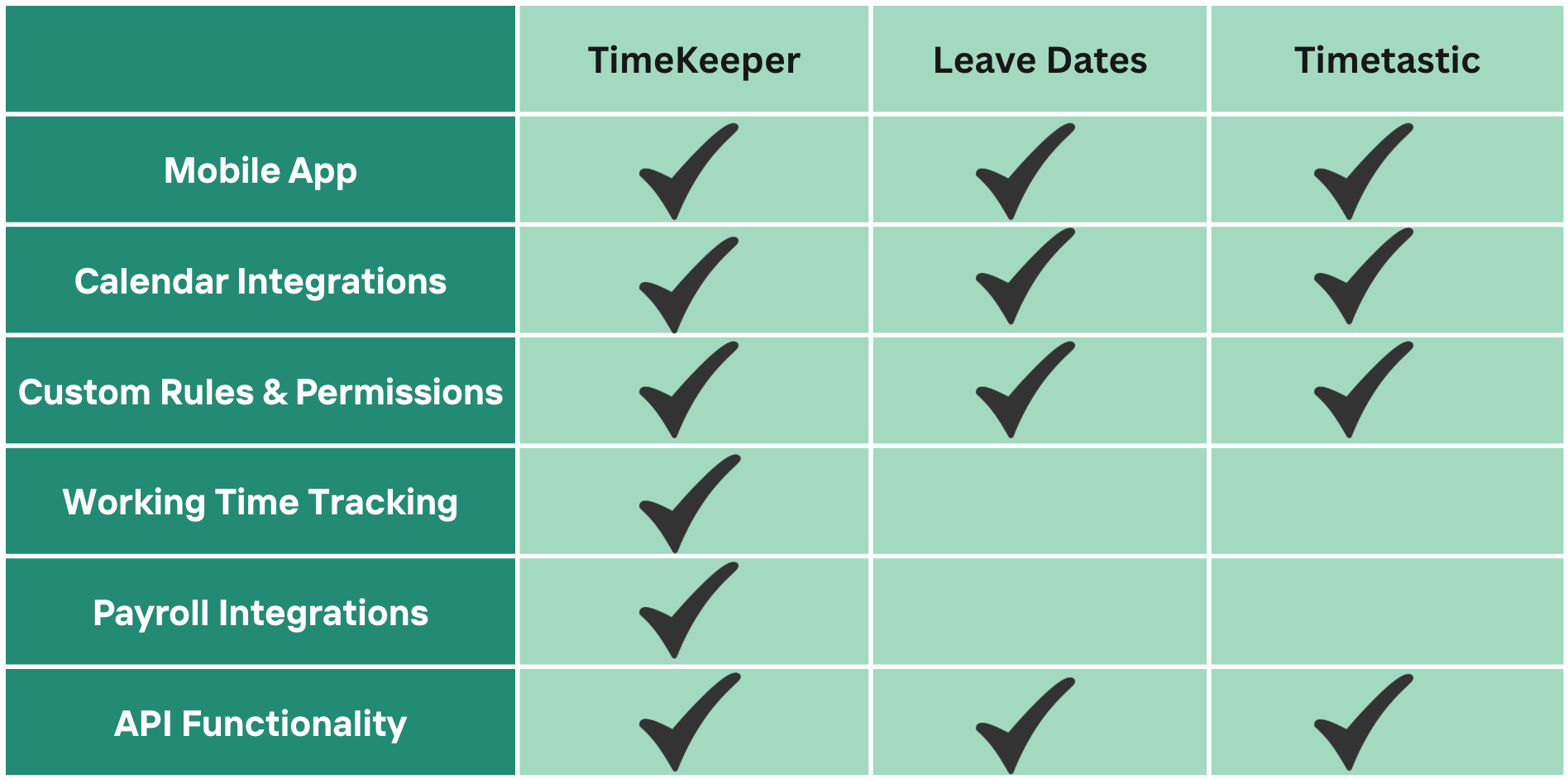
Feature Comparison Overview
TimeKeeper
Best for: All-in-one time and attendance management
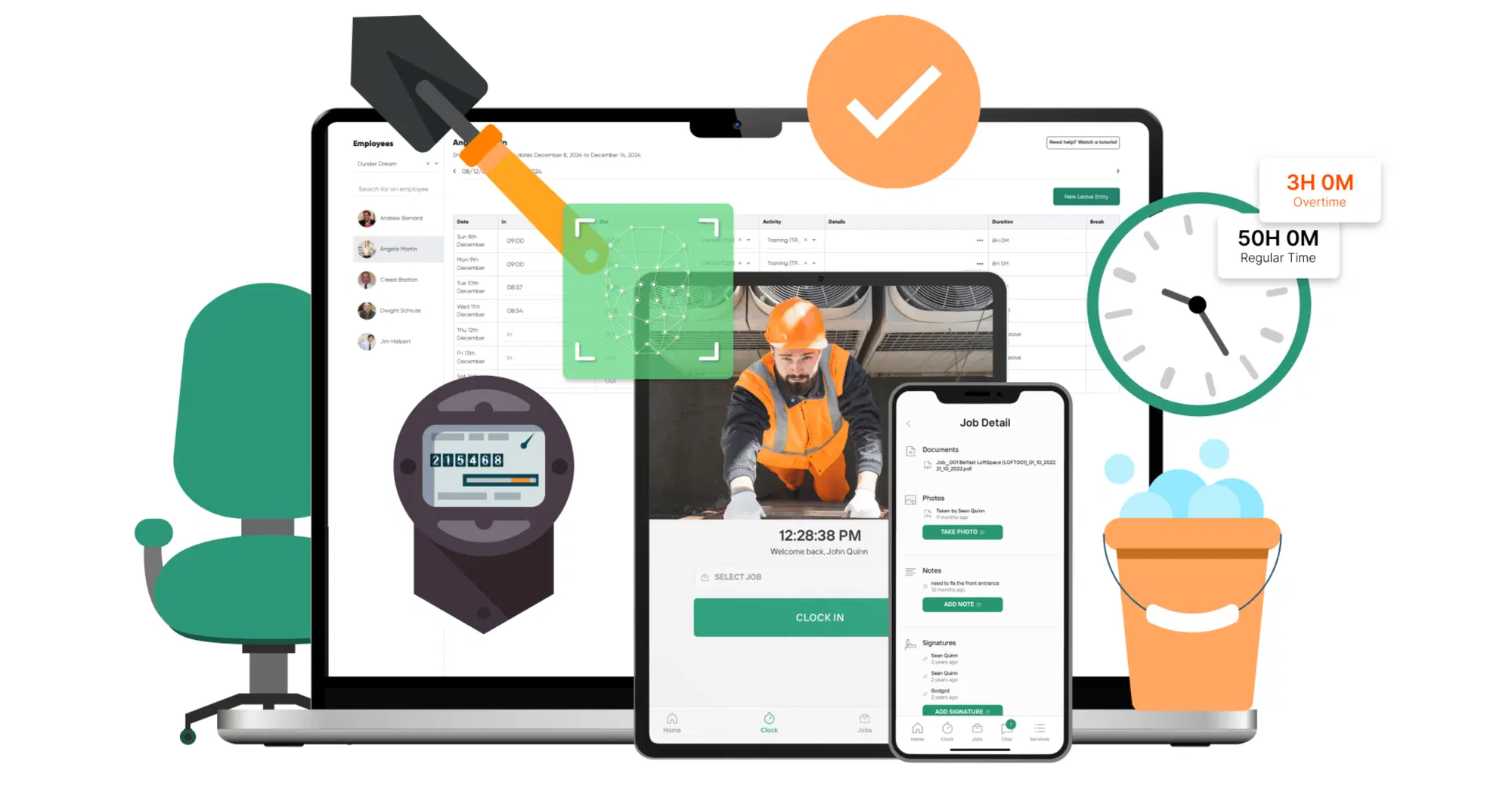
TimeKeeper positions itself as more than just a leave tracker; it's a comprehensive workforce management tool. Its strength lies in seamlessly integrating holiday management with daily timesheets and project tracking, making it ideal for businesses that need a single solution for all time-related data.
Standout features
- Integrated Time & Attendance: Paid leave hours are automatically added to employee timesheets. This eliminates manual holiday pay calculations and ensures payroll accuracy.
- Customisable Rules: You can configure the system to match your company's specific policies. Set rules for how many days can be carried over, define minimum notice periods for requests, and establish team leave limits to avoid being short-staffed during peak periods.
- ‘Wall Calendar’ View: Get an at-a-glance overview of your entire company's leave schedule. This visual tool provides total visibility of staffing levels and can also flag important dates like birthdays and work anniversaries.
- Email Approvals: Managers receive leave requests directly in their email inbox and can approve or deny them in just a few clicks, speeding up the entire process.
- Unlimited Leave Types: Track any type of absence your business offers, whether it’s paid holiday, unpaid leave, sick days, or training.
Pricing
TimeKeeper offers 2 price plans Core & Pro. For leave and time management, Core will do the trick priced from £3.33 per employee per month. If you wanted all the extra bells and whistles - project management with geofencing, the Pro plan is better suited from £5 per employee per month. A 14-day free trial is available to test the platform.
Leave Dates
Best for: Simple, user-friendly leave booking
Leave Dates focuses on doing one thing exceptionally well: making holiday booking as simple and clear as possible. With its clean interface and straightforward mobile app, it’s a great choice for teams that want an easy-to-use tool without unnecessary complexity.
Standout features
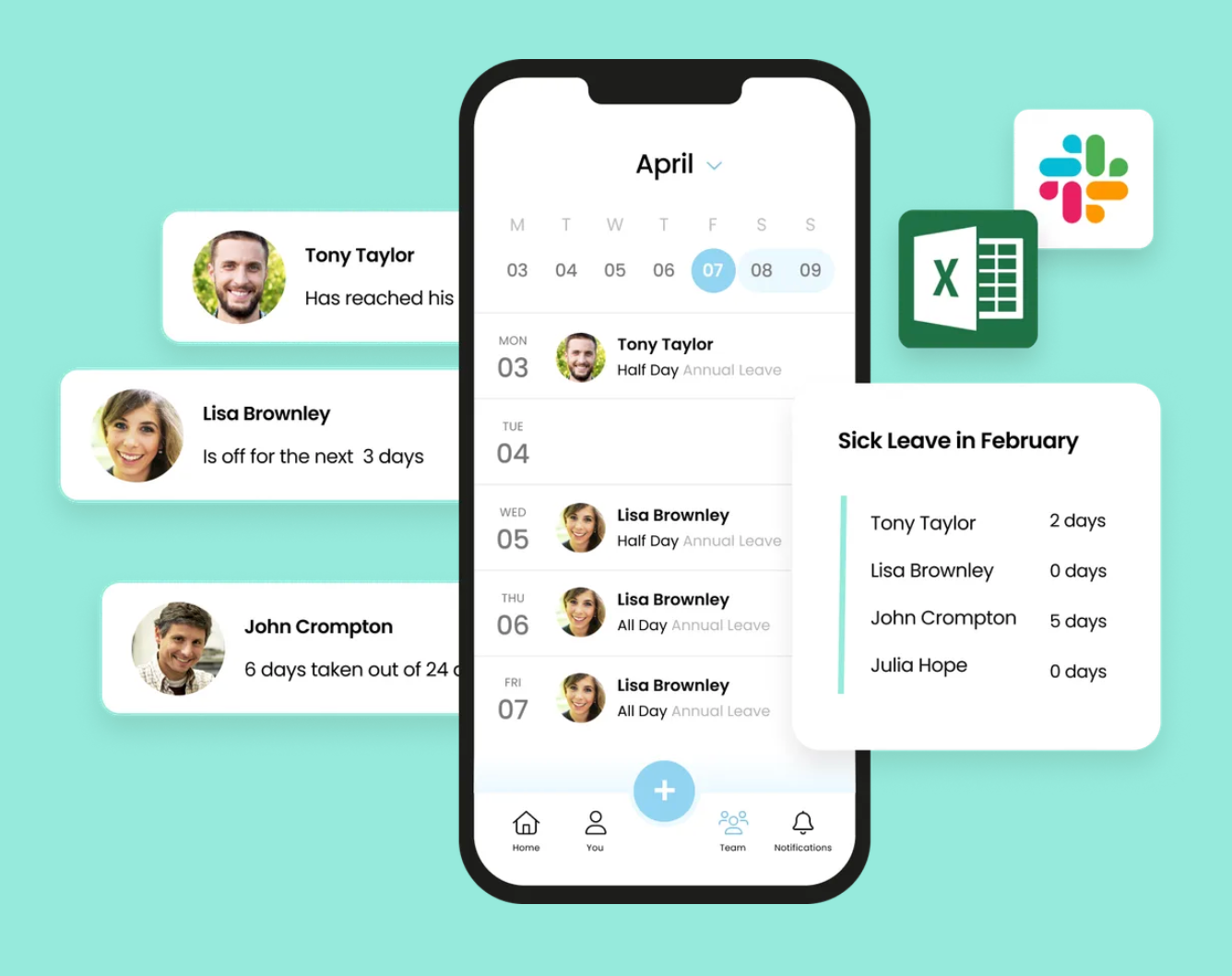
- Effortless Booking: Employees can request leave in seconds, and managers can approve it just as quickly through the mobile app, making the process smooth for everyone.
- Live Shared Calendar: The shared wall calendar provides a real-time view of team availability, helping managers and colleagues plan effectively.
- External Integrations: Connect Leave Dates with external calendars like Google Calendar to keep all schedules synchronised. It also offers APIs for custom integrations with other business tools.
- Milestone & Overtime Tracking: The app allows you to track key employee milestones and manage Time Off in Lieu (TOIL) by letting staff submit overtime directly within the system.
Pricing
Leave Dates offer 3 different plans depending on what features you need - Starter, Essential and Plus. If you opt for the middle plan, you'll be paying £2 per employee, per month. You can try Leave Dates, free for 30 days.
Timetastic
Best for: Comprehensive absence management and integrations
Timetastic offers a robust and comprehensive solution for managing all types of employee absence, from annual leave and sick days to jury duty. It excels at providing detailed organisational tools and integrating with the communication platforms your team already uses.
Standout features
- Total Absence Coverage: Configure the system to handle any reason for absence, giving you a complete picture of your team’s availability.
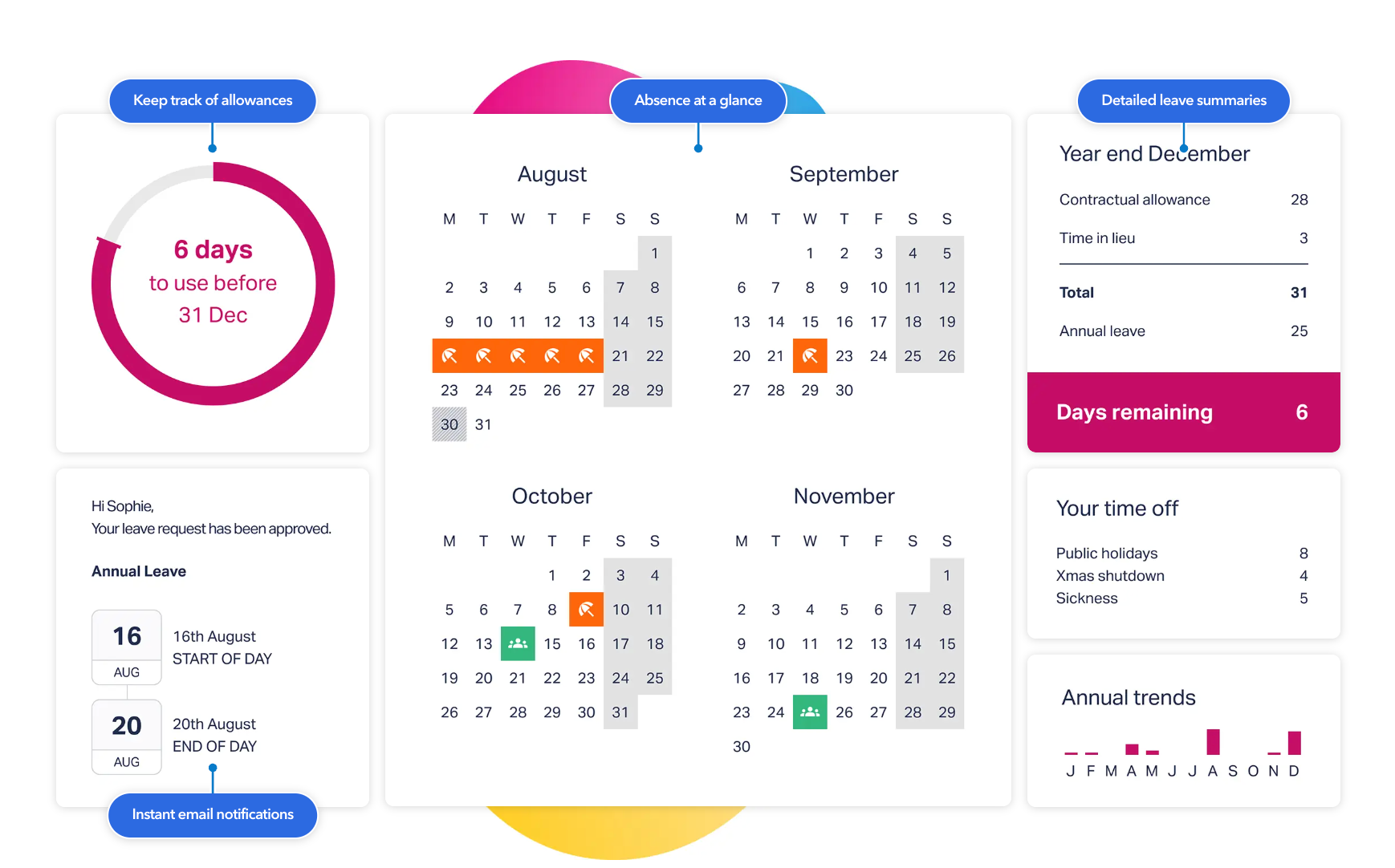
- Advanced Organisation: Set up departments, define individual working schedules, and automatically factor in global public holidays to plan ahead with precision.
- Seamless Integrations: Timetastic integrates directly with your work calendar and communication tools like Slack, sending notifications to keep everyone informed about upcoming leave.
- One-Click Approvals: The streamlined process allows managers to approve leave with a single click, removing administrative friction.
Pricing
Timetastic offers a 30-day free trial. After the trial, plans cost either £1.20 or £2.00 per user per month, depending on the selected package.
How to Choose the Right App for You
The best holiday tracking app depends entirely on your business needs.
- If you want a simple, intuitive tool focused purely on booking and tracking leave, Leave Dates is an excellent starting point, especially for smaller teams.
- If you need deep integrations with tools like Slack and advanced organisational features for departments and schedules, Timetastic offers comprehensive control.
- If you’re looking for an all-in-one solution that combines leave management with timesheets and payroll data, TimeKeeper provides a powerful, integrated system.
By moving away from manual methods, any of these tools can help you build a more efficient, transparent, and fair system for managing employee leave. Save yourself the hassle of manual methods by implementing a leave tracking tool ready for 2026.